sait
Communicating with Foundation Fieldbus Devices
Run 2
Using the Fieldcare package on the workstation to communicate with Foundation Fieldbus devices installed on Run 2
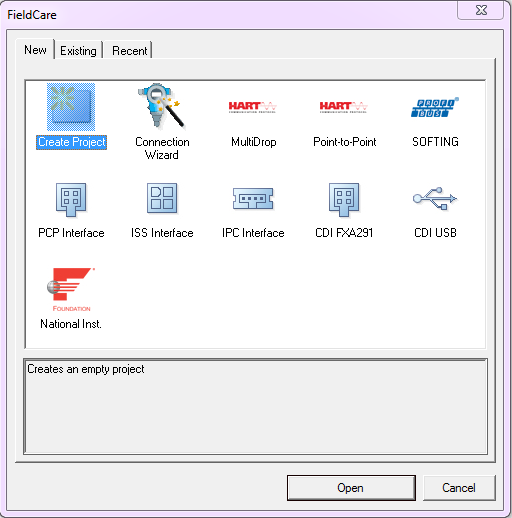
Create Project
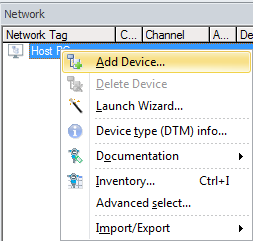
In the Network pane right click Host PC & select Add Device
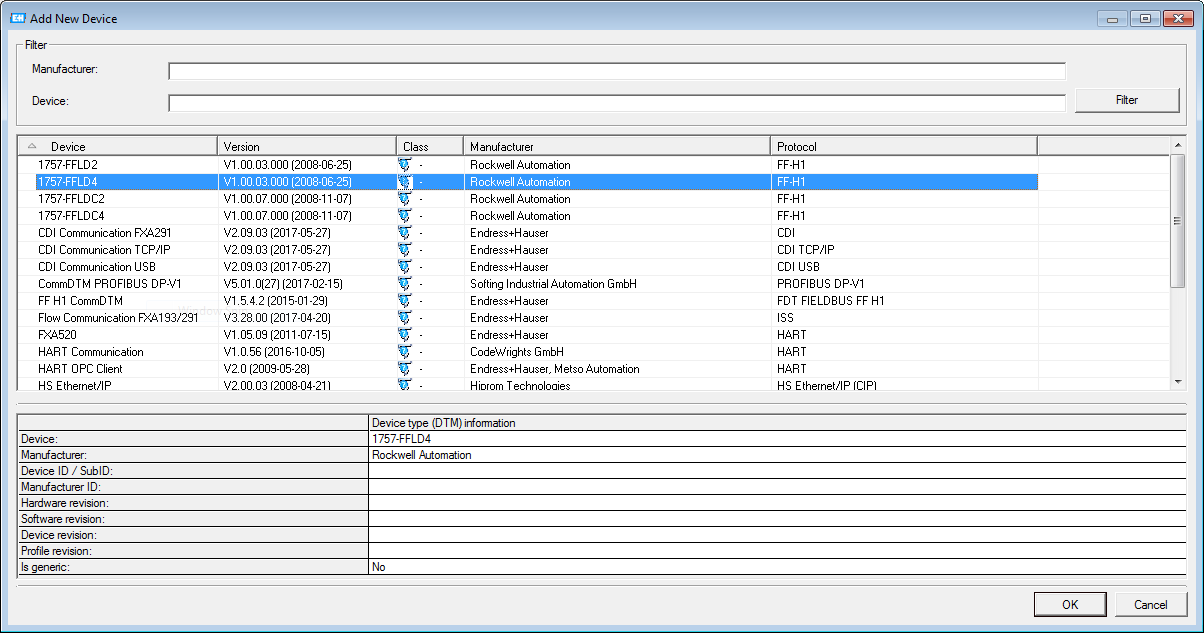
Add 1757-FFLD4
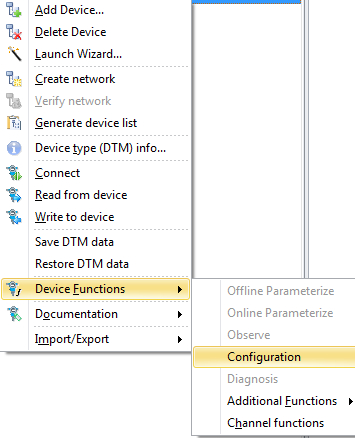
In the Network pane right click 1757-FFLD4 - Device Functions - Configuration
In the DTM frame click AB_FFLD in the HSE Live List - It may take a few seconds for the HSE Live List to populate
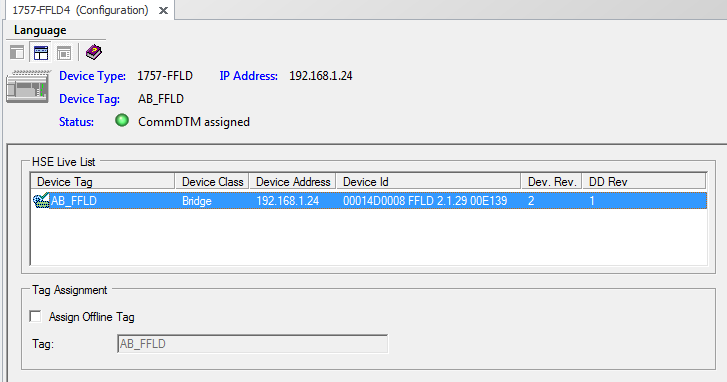
The status should now turn green & indicate Comm DTM assigned
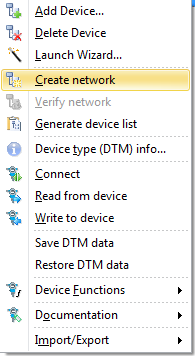
In the Network pane right click 1757-FFLD4 - Create network
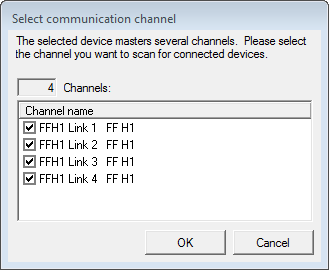
Press OK to scan all 4 channels
Wait for the Scanning to complete
To connect to the required device, In the Network pane right click on the required device and select Connect
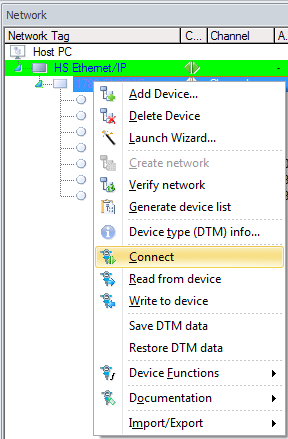
The Connection icon will turn from grey to green when connected
Disconnected Connected


Double click on the green connection icon
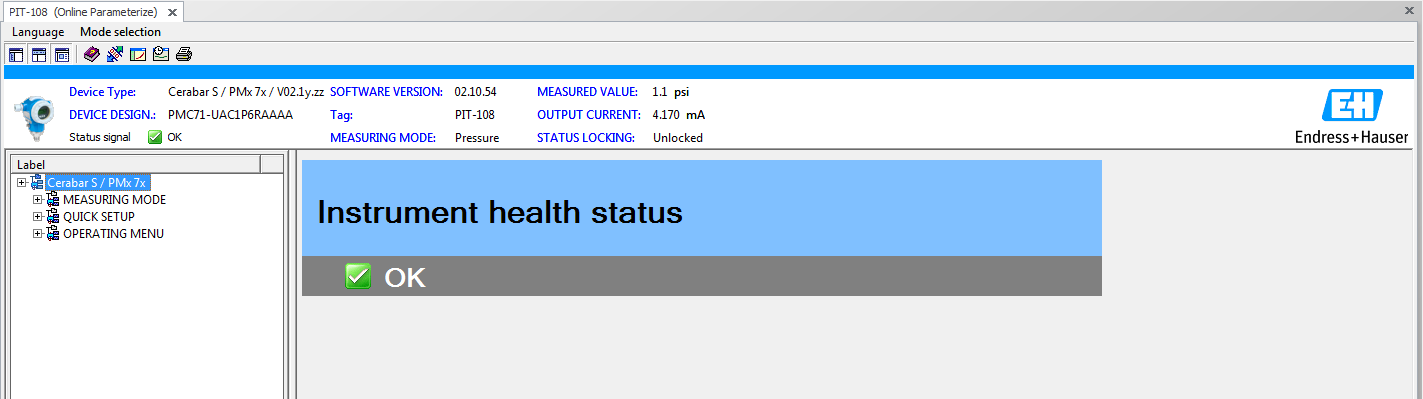
Online Parameterize will now appear in the DTM frame