sait
Communicating with Profibus Devices
Run 4
Using the Fieldcare package on the workstation to communicate with Profibus devices installed on Run 4
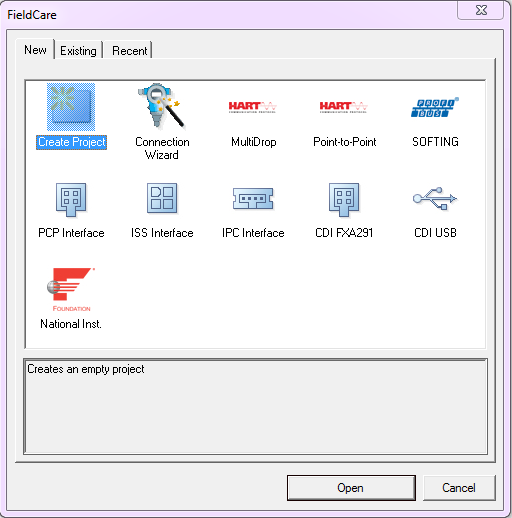
Create Project
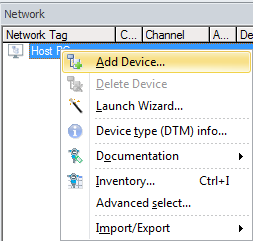
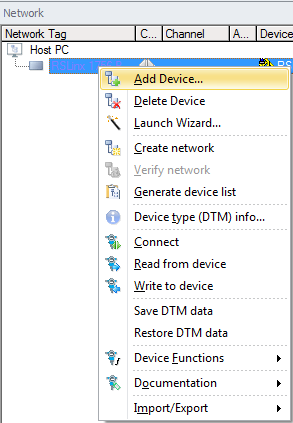
In the Network pane right click Host PC & select Add Device
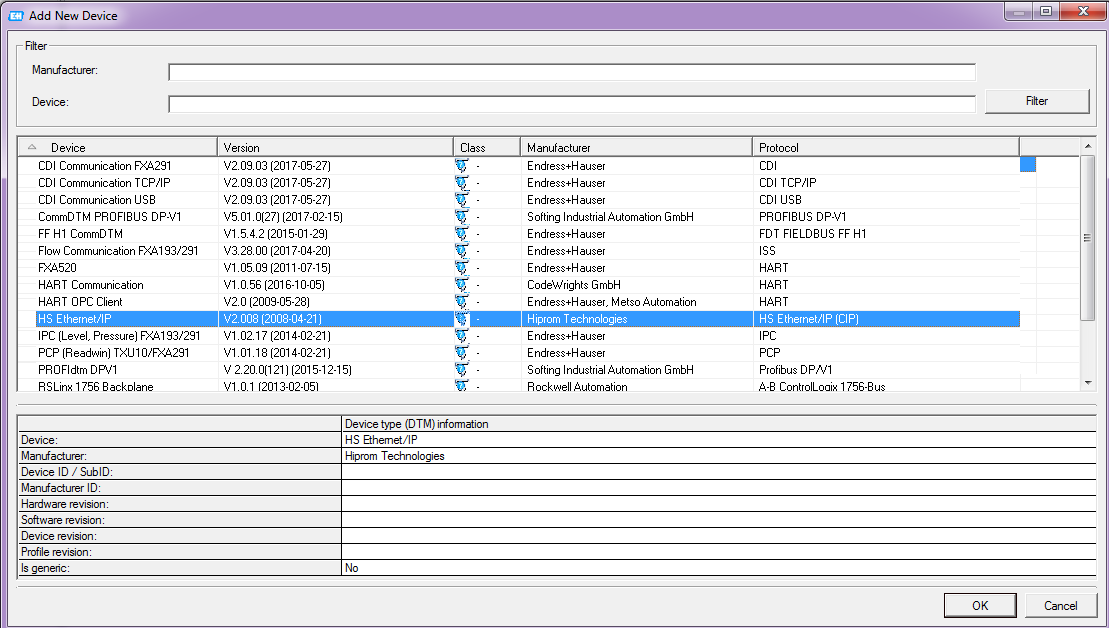
Select HS Ethernet/IP
In the Network pane right click HS Ethernet/IP & select Add Device
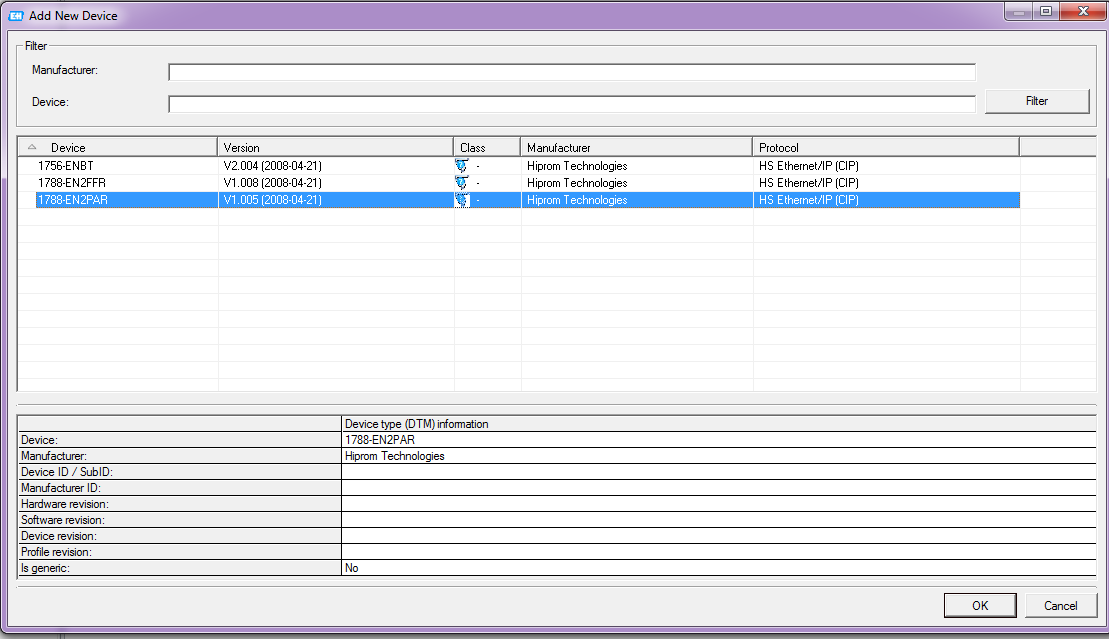
Select 1788-EN2PAR
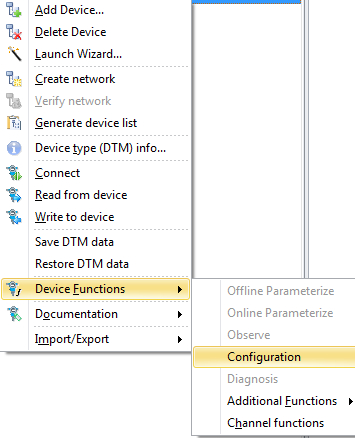
In the Network pane right click R1788-EN2PAR & select Device Functions - Configuration
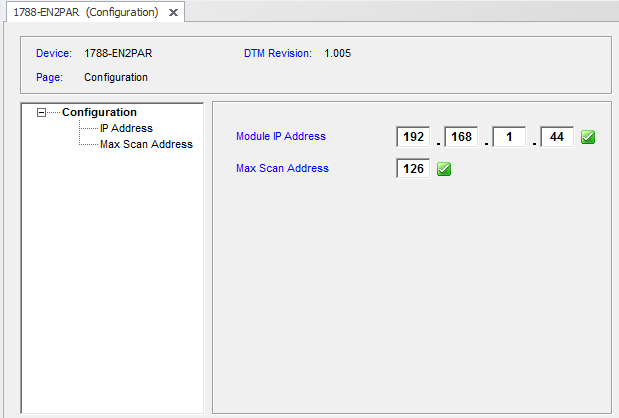
Enter Module IP Address 192.168.1.44
Press Enter - Ensure green check mark is displayed
Enter Max Scan Address 126
Press Enter - Ensure green check mark is displayed
In the Network pane right click 1788-EN2PAR - Create network
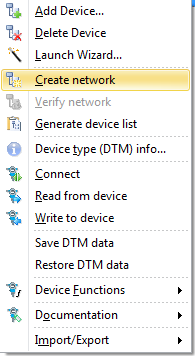
Wait for the Scanning to complete
To connect to the required device, In the Network pane right click on the required device and select Connect
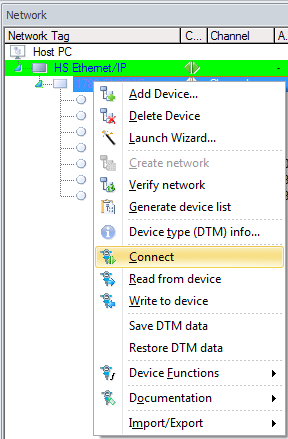
The Connection icon will turn from grey to green when connected
Disconnected Connected


Double click on the green connection icon
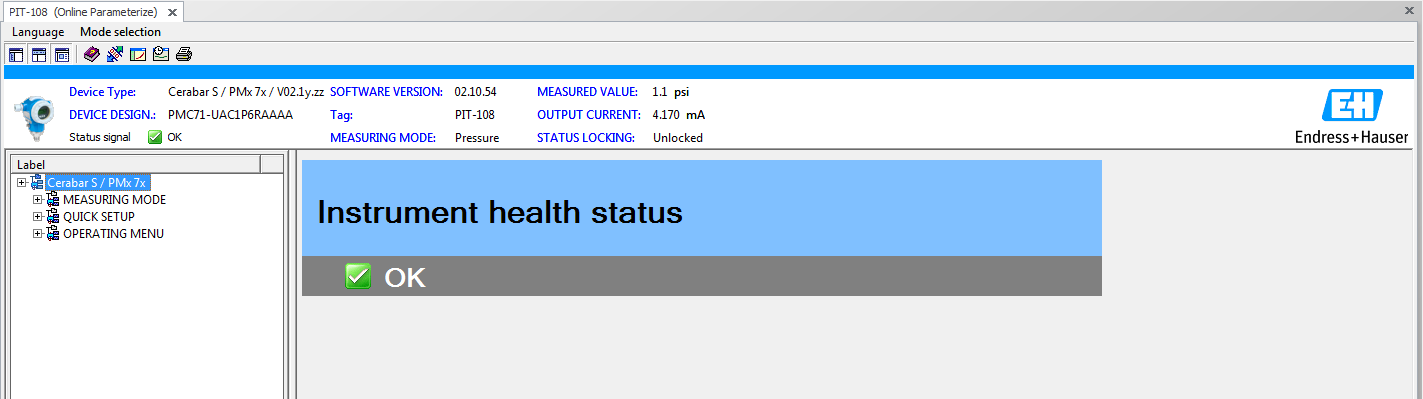
Online Parameterize will now appear in the DTM frame