sait
Fieldcare Installation
Fieldcare requires a licence key which has been purchased by SAIT
SAIT’s licence key requires FieldCare Package v1.30.00
Endress+Hauser’s website only offers the latest packages, which are later than v1.30.00
It is important to safely backup Fieldcare Package v1.30.00
FieldCare Package v1.30.00 contains FieldCare SFE500 v2.11.00.2025
To install Feldcare obtain the following files
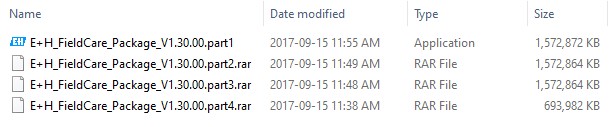
To start the installation double click E+H_Fieldcare_Package_V1.30.00.part1
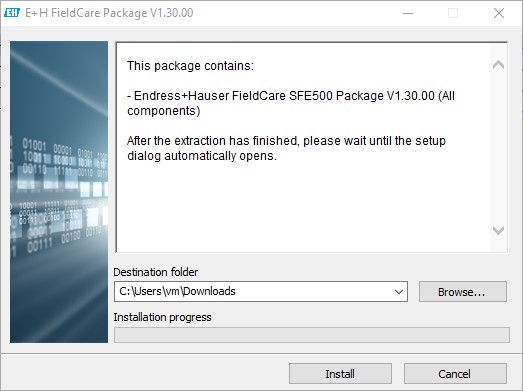
Choose the destination folder for the extracted files and press ‘Install’
Once complete the following files will have been extracted into the selected destination
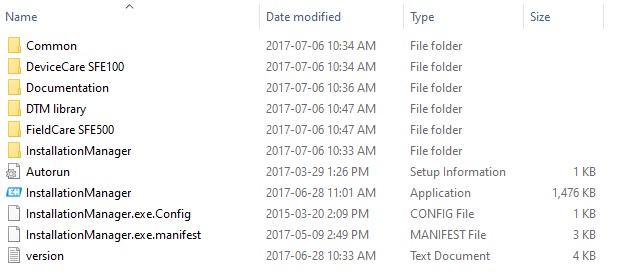
Double click ‘InstallationManager’

The Installaton Manager screen will launch
Fieldcare requires .Net v3.5 to be installed. If prompted follow these instructions
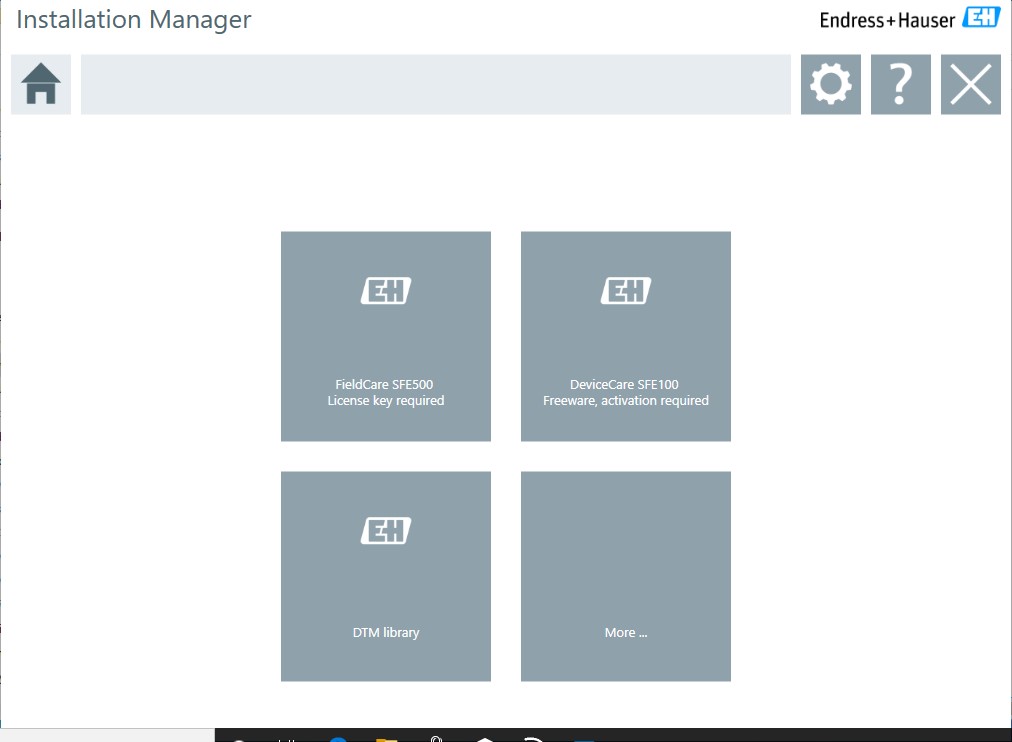
Select ‘FieldCare SFE500 - License key required’
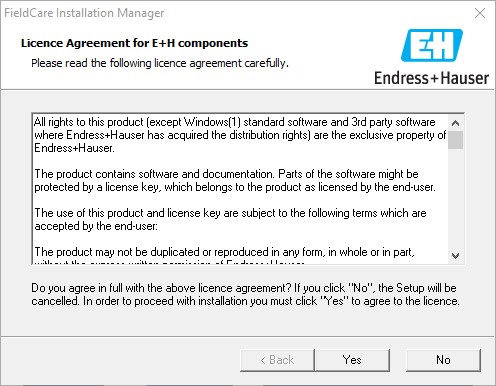
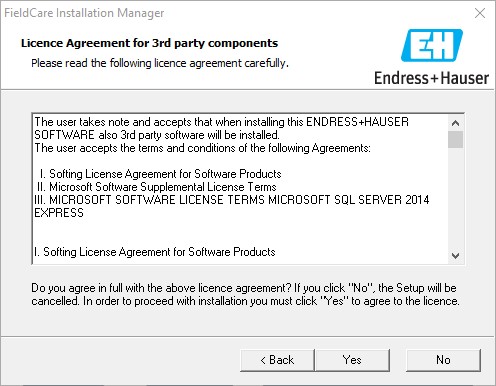
Accept the two following agreements
Enter the required Serial Number and License Key
Press Next

Select the following options as required then ‘Next’
Select FieldCare components
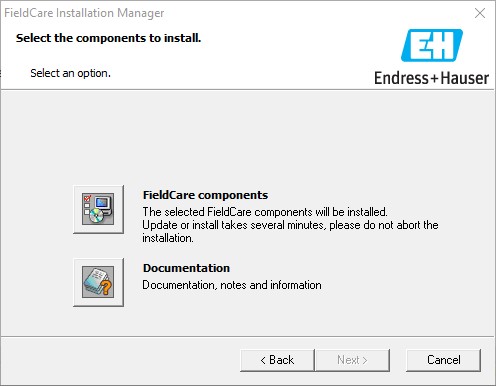
Select all the components shown below

Select Next on the window below
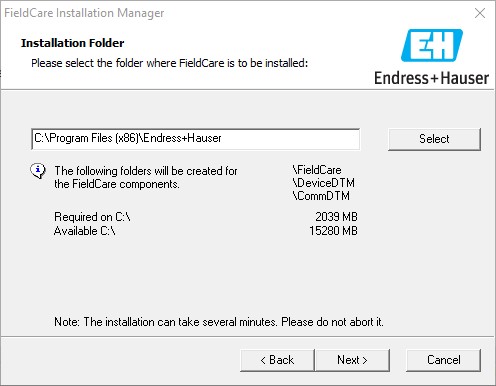
Select Next on the window below
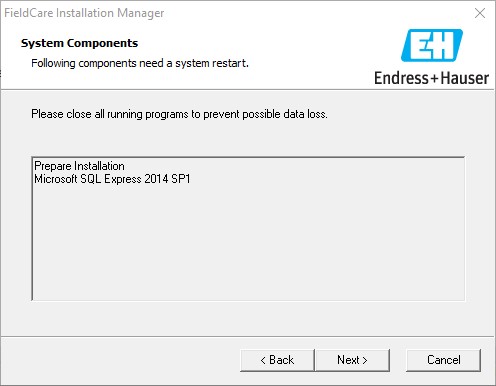
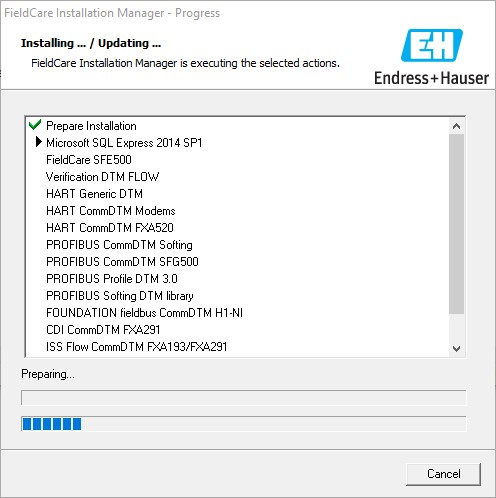
The installation will take some time to complete
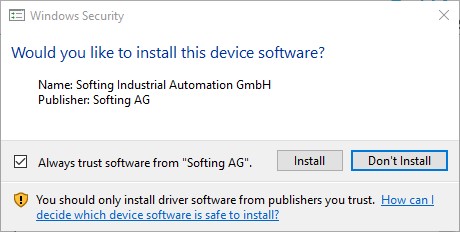
If prompted to install device software click Install
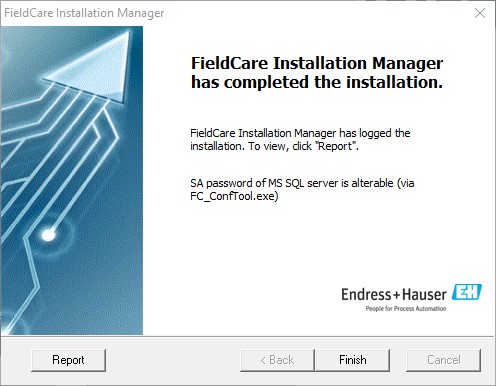
Once complete click Finish
Launch Fieldcare to complete the installation (icon on Desktop)

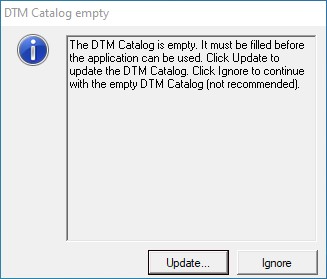
For the initial run the DTM Catalog will be empty, select Update
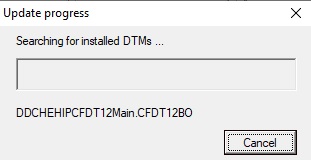
Fieldcare will take several minutes searching for installed DTMs
Once complete the DTM Catalog will be displayed
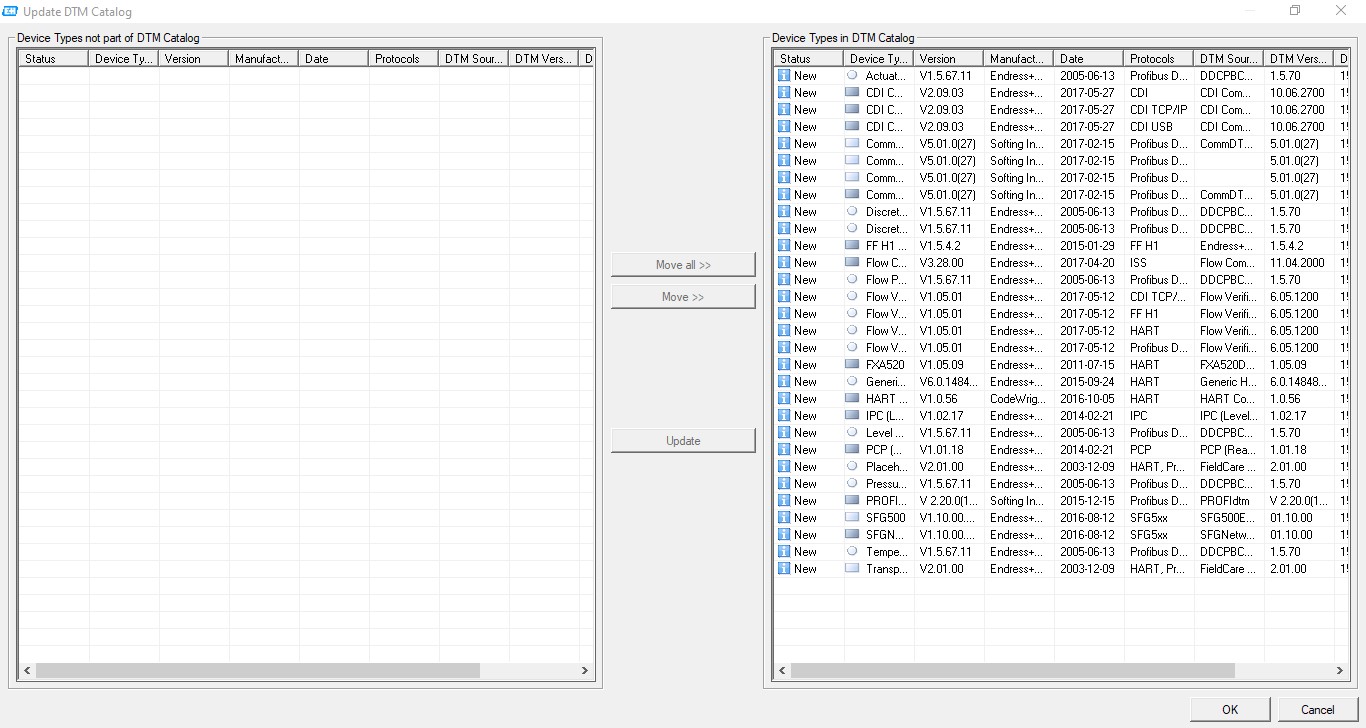
The basic install of Fieldcare does not contain any individual device DTMs
To add DTMs to the catalog goto Update DTM Catalog